
Vivo X9 – Dual SIM Card Usage
Vivo X9 and Vivo X9i are smartphones that support dual SIM cards, making it convenient for users who require multiple mobile phone numbers. Whether you need separate numbers for work and personal use or for domestic and international use, the dual SIM feature allows you to easily manage and switch between two phone numbers. In this article, we will discuss how to use the dual SIM card function of Vivo X9 and Vivo X9i.
Inserting the SIM Cards
To use the dual SIM functionality, you first need to insert the SIM cards correctly into the device. Both Vivo X9 and Vivo X9i have a tray slot on the side of the phone that can hold two nano SIM cards. Follow these steps to insert the SIM cards:
- Power off your Vivo X9 or Vivo X9i phone.
- Locate the SIM card tray on the side of the phone.
- Insert the SIM eject tool (included in the phone package) into the small hole on the tray and gently push to eject the tray.
- Place the nano SIM cards into their respective slots on the tray.
- Reinsert the tray back into the phone until it clicks into place.
- Power on your phone.
Managing the SIM Cards
Once you have inserted the SIM cards, you can manage them in the phone settings. Here’s how:
- Go to the Settings menu on your Vivo X9 or Vivo X9i.
- Select “Dual SIM and Cellular Networks” or similar option.
- You will see two SIM card slots named SIM Card 1 and SIM Card 2.
- Toggle the switches to activate or deactivate each SIM card.
- You can also set a default SIM for making calls, sending messages, and using mobile data.
- Some advanced options may be available, such as call forwarding and data roaming settings, for each SIM card.
Switching Between SIM Cards
To switch between the two SIM cards when making calls or sending messages:
- Open the Phone or Messaging app on your Vivo X9 or Vivo X9i.
- Before dialing a number or composing a message, you will see a SIM card switch icon, usually located near the input field.
- Tap on the SIM card switch icon to select the desired SIM card for the call or message.
- The selected SIM card will be used for that specific call or message.
It’s important to note that not all apps or features of the Vivo X9 and Vivo X9i support dual SIM functionality. Some apps may only use the default SIM card for communication. You may need to manually switch the SIM card for certain tasks or use third-party apps to manage dual SIM card functionality.
Conclusion
The dual SIM card feature of Vivo X9 and Vivo X9i provides flexibility and convenience for users who need multiple mobile phone numbers. By correctly inserting the SIM cards and managing them in the phone settings, you can easily switch between the two numbers for calls, messages, and mobile data. Please note that the availability and functionality of the dual SIM feature may vary depending on your region and network service provider.
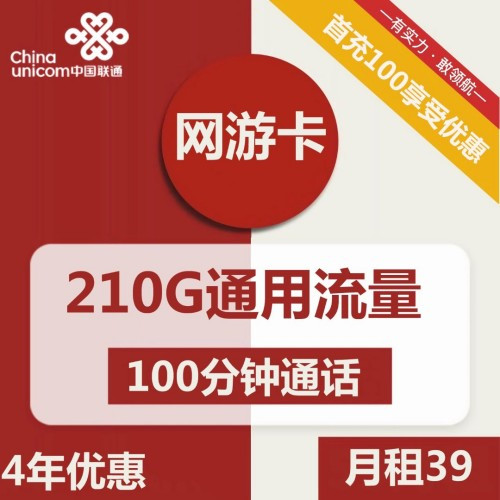
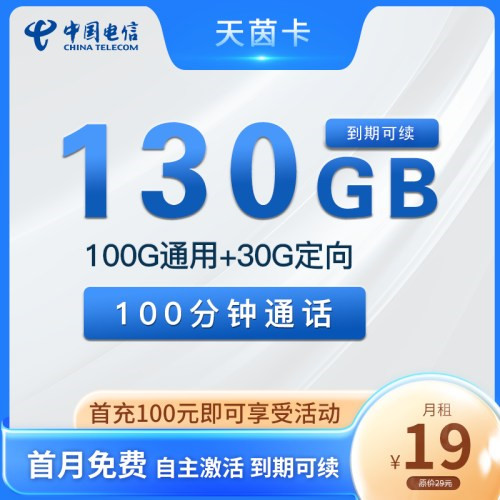
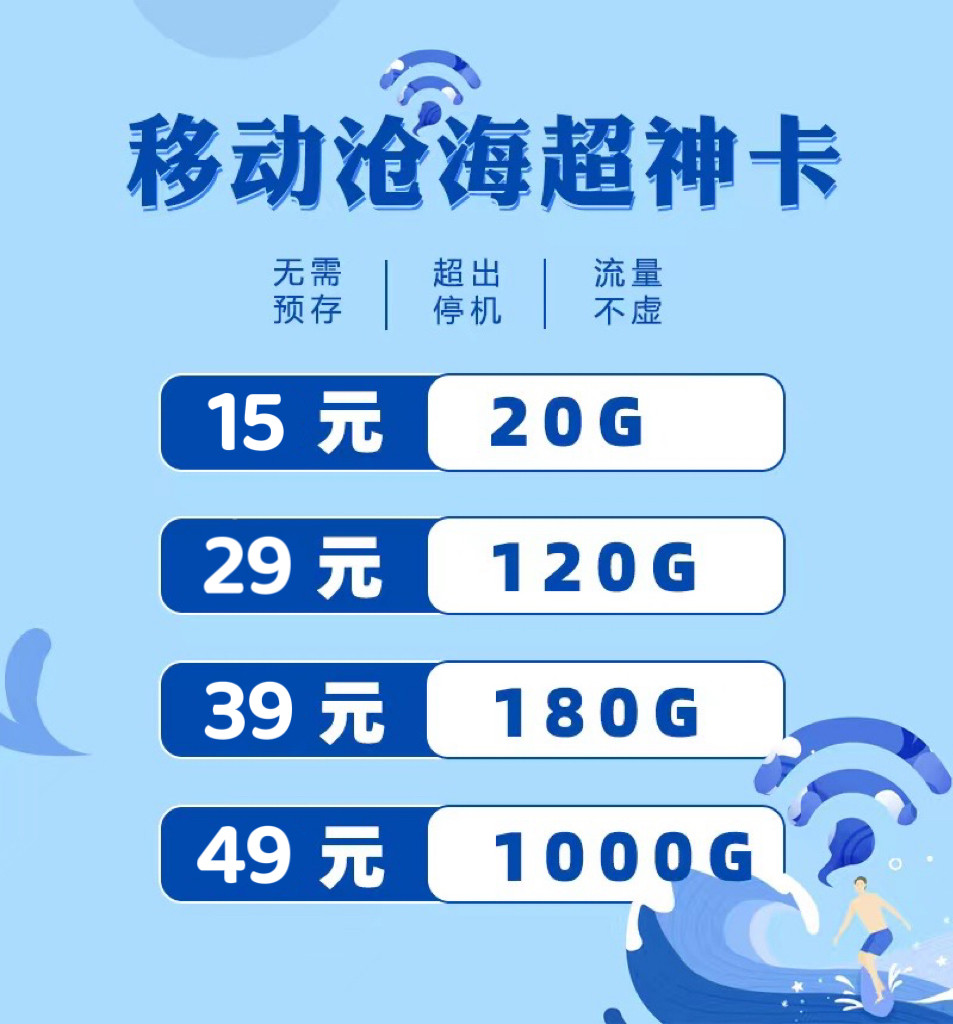
Regular Pure Data Card Online Free Processing
申请办理注意事项:
1、下单时请务必确保办卡人、收件人姓名一致,身份证号码、手机号码正确,切勿写大致范围,勿填菜鸟驿站,否则无法配送
2、手机卡仅限本人领取认证激活,禁止转售、帮助他人代替实名制等违法犯罪行为
3、所有的卡请按照运营商要求首充话费激活,否则流量不到账!